


IPTV Subscription: HD Plans, Clear Pricing and Fast Activation
Our iptv subscription includes 260,000+ Live/VOD content, a free VPN and 24/7/365 support. All plans include the same channels and features — only the duration changes, so you can choose based on your budget and how long you want coverage.
1 Month (HD) – Full Package
Perfect to get started• Free VPN
• ⏰ 24/7/365 support
Compatible with Smart TV, Android, iOS, Windows and Mac
3 Months (HD) – Full Package
Best balance• Free VPN
• ⏰ 24/7/365 support
Compatible with Smart TV, Android, iOS, Windows and Mac
6+1 Months (HD) – Full Package
More months, better value• Free VPN
• ⏰ 24/7/365 support
Compatible with Smart TV, Android, iOS, Windows and Mac
12+2 Months (HD) – Full Package
Maximum savings• Free VPN
• ⏰ 24/7/365 support
Compatible with Smart TV, Android, iOS, Windows and Mac
Tip: if you want to test before buying, use the quick trial. Go to the test page.
IPTV Subscription Plans and Pricing (HD): What’s Really Included
When comparing plans, it’s important to understand what you’re actually getting. On this page you’ll find an iptv subscription in HD quality with access to a large and updated catalog, designed for modern devices and easy setup. Every duration (1 month, 3 months, 6+1 months, 12+2 months) includes the same features: the only difference is how long you want coverage with a single purchase.
If you want the lowest effective monthly cost, the 12+2 month plan is the best value. If you prefer to start small and test performance on your network and player, the 1-month plan is the quickest option. Either way, the logic stays the same: same package, same access, different duration.
IPTV Subscription: Content, Volume and Compatibility
- 260,000+ Live/VOD including live channels and on-demand content.
- Free VPN included, useful on many home and mobile networks.
- 24/7/365 support through the available support channels.
- Compatibility with Smart TV, Android, iOS, Windows, Mac, TV Box and Fire TV (with compatible players).
Want a general explanation of what IPTV is? You can read this reference page: Internet Protocol television (IPTV).
Device Compatibility and Recommended Apps for Smooth Viewing
To get the best results from an iptv subscription, the device + player combination matters. On Smart TVs and TV Boxes, choose a stable, updated app, while on smartphones/tablets it helps to use a player that handles playlists and streams efficiently. If you experience buffering, it’s often not the plan: it’s your network (congested Wi-Fi, old router, distance from the modem, or too many connected devices).
Recommended Connection Requirements
- Wi-Fi: prefer 5GHz near the router; if possible use Ethernet on TV/Box.
- If you have many devices, a modern Wi-Fi 5/6 router improves stability and traffic handling.
- Avoid heavy downloads while streaming (especially at peak hours).
To check your connection, run a speed test: Speedtest.
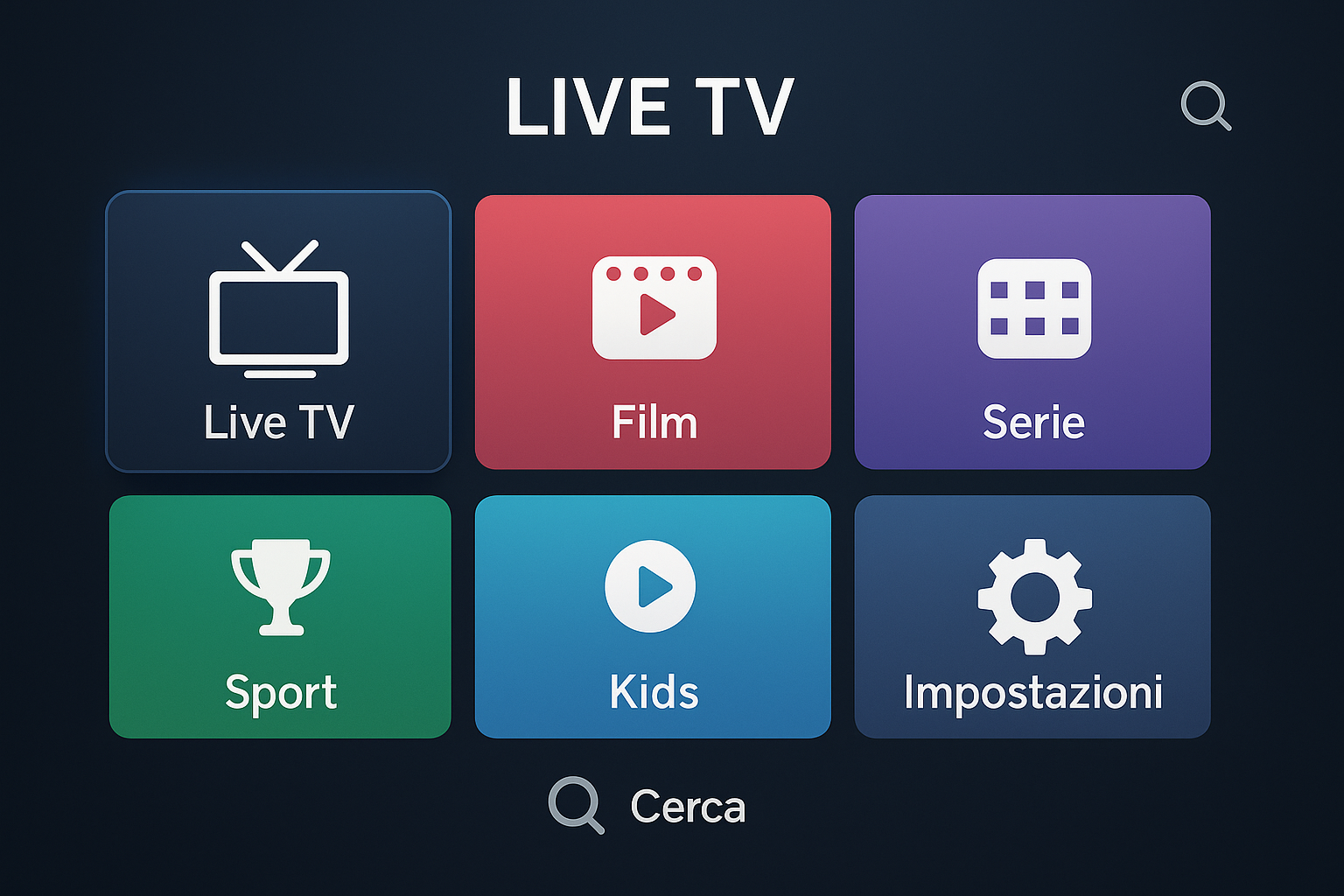
How to Buy and Activate Your IPTV Subscription in 3 Steps
Buying is simple: choose a duration, complete the order, then follow the instructions. To reduce doubts and increase conversions, this section answers the questions that commonly block users: “Will it work on my device?”, “How fast is activation?”, “What do I do after purchase?”.
- Choose a plan (same features, different duration).
- Complete your order in the official store.
- Set up your player using the quick guide provided.
If you prefer to test before buying, use: /test-iptv/.
Note: perceived performance depends on your network, device and player. If you’re unsure, support can recommend the best setup.
Frequently Asked Questions about IPTV Subscription
Do features change between plans?
No. All IPTV subscription plans include the same channels and features. Only the duration changes (and therefore the effective monthly cost).
Which devices can I use it on?
Smart TV, Android TV/Box, Fire TV, iOS and Android smartphones/tablets, PC and Mac with compatible players. Compatibility depends on the app you use.
What internet connection do I need?
A stable connection is recommended. If possible use Ethernet on TV/Box. On Wi-Fi, prefer 5GHz and good coverage. Buffering is often caused by Wi-Fi/router.
How do I purchase?
Select a plan and complete the order in the store: open the store.
Is 1 month better or 12+2 months?
Choose 1 month if you want to test first; choose 12+2 months if you want the best monthly price and uninterrupted access without frequent renewals.